Espresso is more than just a drink – it’s a moment.
With I dream of Beannie, you can capture these moments and turn every shot into a memory.
Whether it’s beans from Ethiopia, a new roast from your favorite roaster, or the perfect espresso in the morning:
Beannie helps you save all the important details – simply, clearly, and with a little touch of magic.
Free in the Apple App Store. 

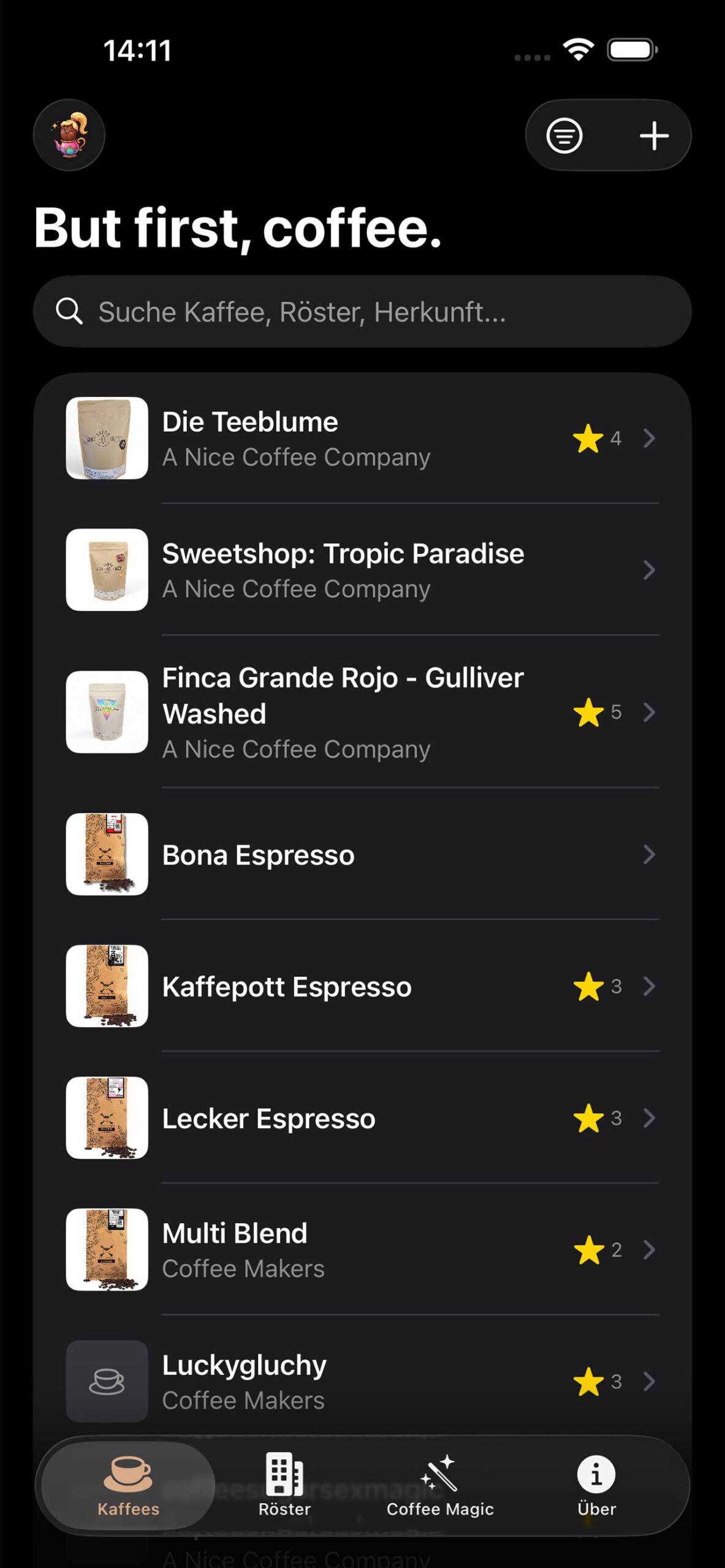
Everything that makes an espresso
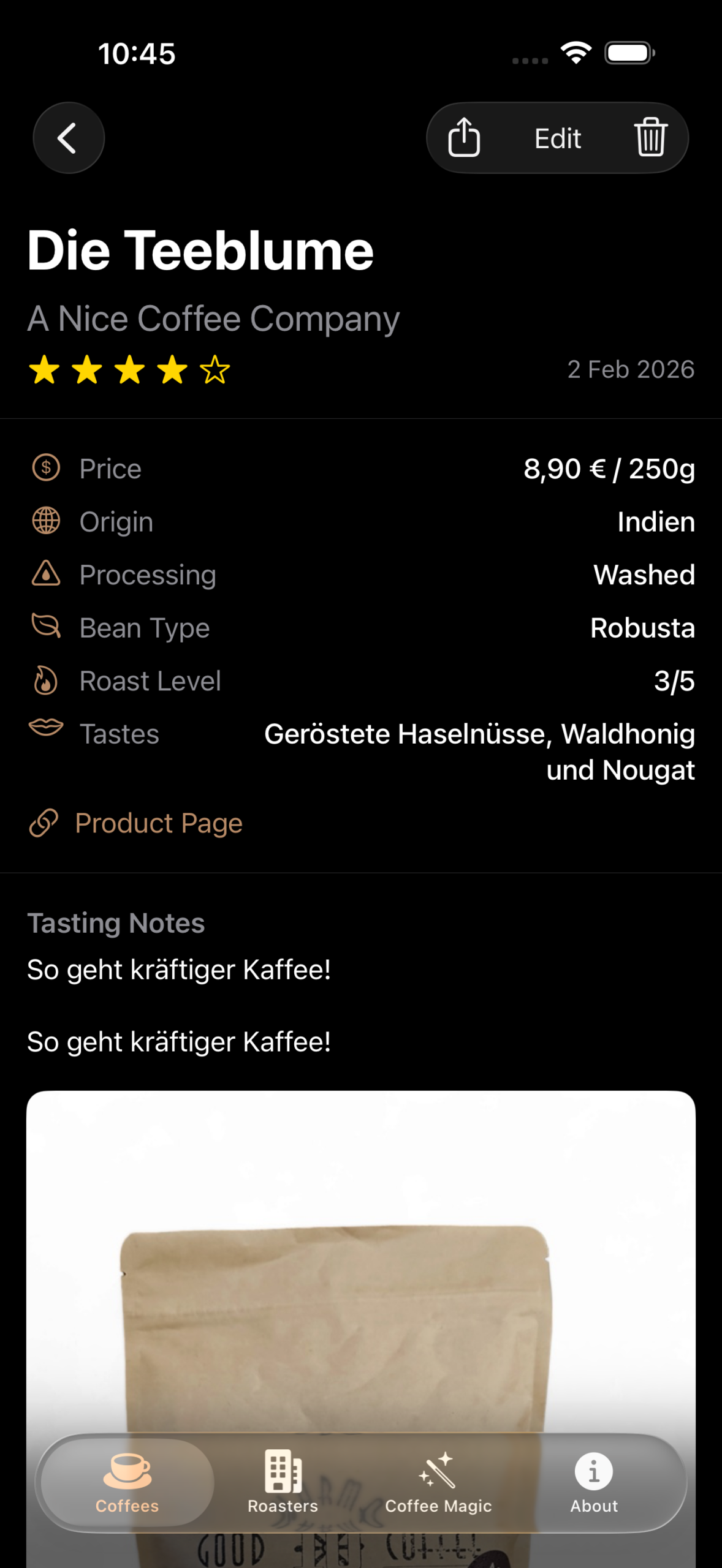
Document your coffees with all relevant information:
- Origin of the beans
- Roasting & roasting date
- Roaster
- Processing
- Flavor notes
- Your grind size
- Your own rating and notes
This will help you recognize patterns, get to know your preferences better, and find your way back to your best shots more quickly.
Oh, and except for „donations.“ If you like my I Dream Of Beannie app, feel free to buy me a coffee or many coffees.
Help
I Dream Of Beannie is a free app for iOS.
I hope you find it intuitive to use, but here are a few tips to get you started:
Sharing coffee
 You can share any coffee with other users.
To do so, open the detailed view of a coffee.
At the top, you will find the Share button.
There are two options available:
- Report – shares a clear summary (e.g., via email)
- JSON data – copies all information about the coffee to the clipboard. You can then copy the text into a text editor or email, for example.
You can import this JSON data back into Beannie later or share it with friends so they can import the coffee too.
⸻
Import coffee
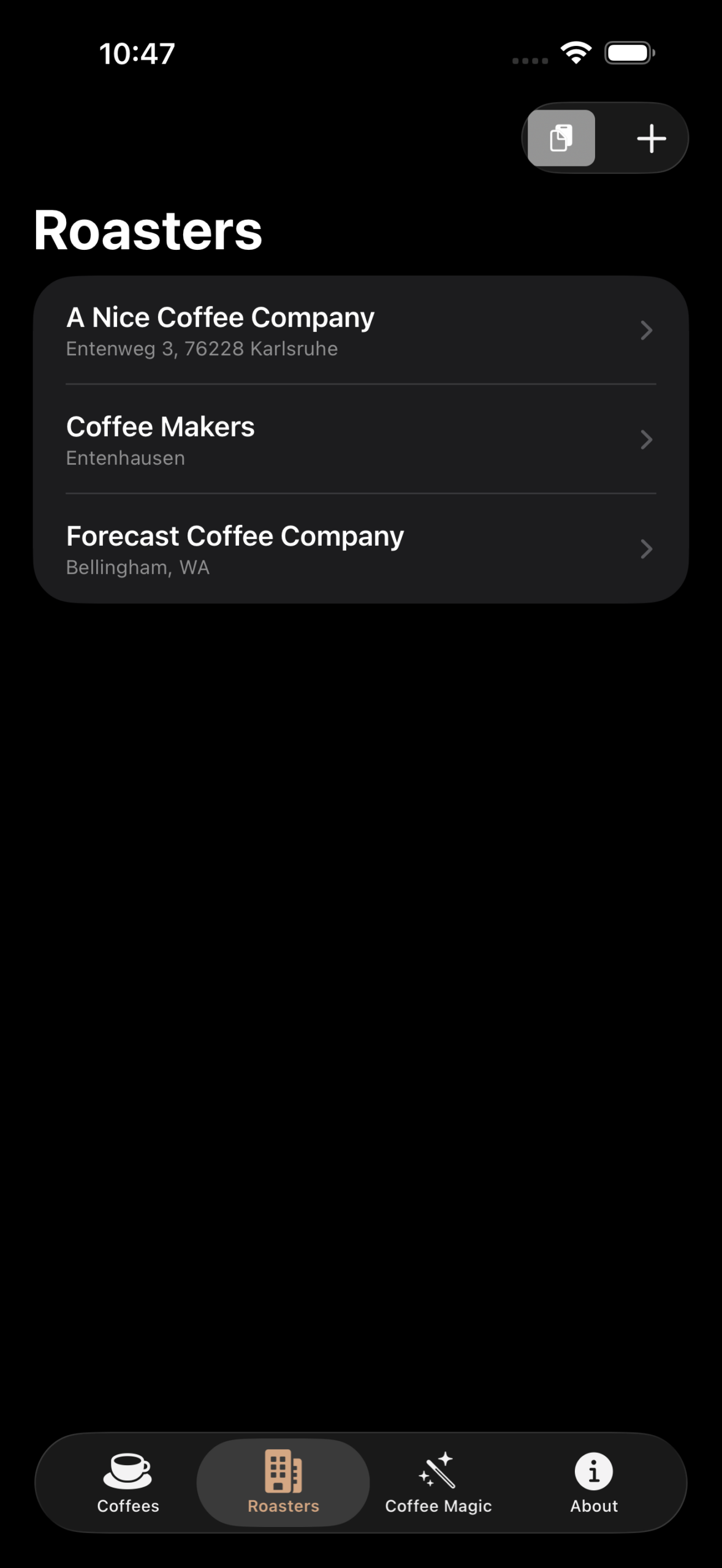
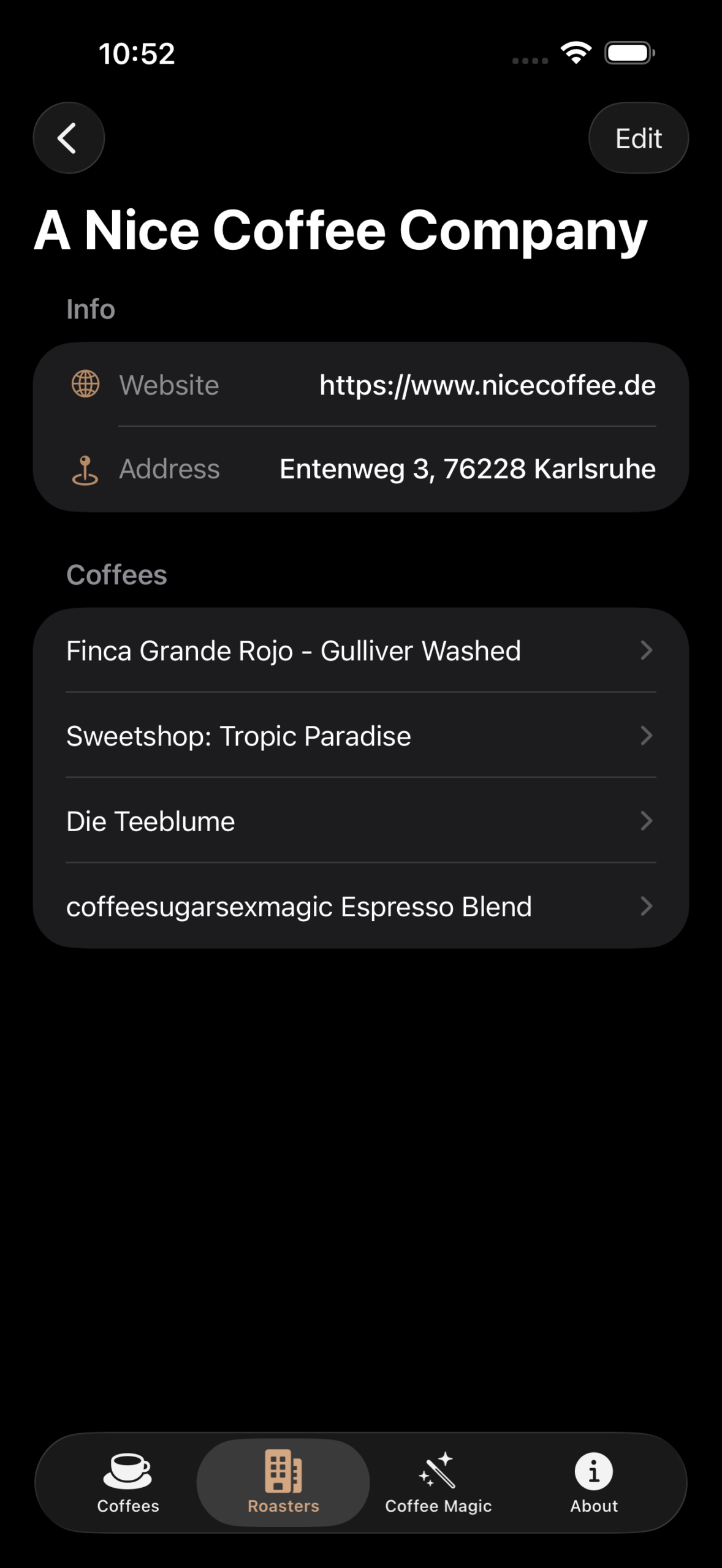
The import function is located in the Roaster section at the top of the page.
For the import to work, the JSON data must already be in your clipboard. So first copy the JSON. Then open the app and paste it there.
- Only our own JSON format is supported
- If an entry already exists, it will not be imported again. This only applies to entries that you have created. Each Beannie app has its own IDs here.
⸻
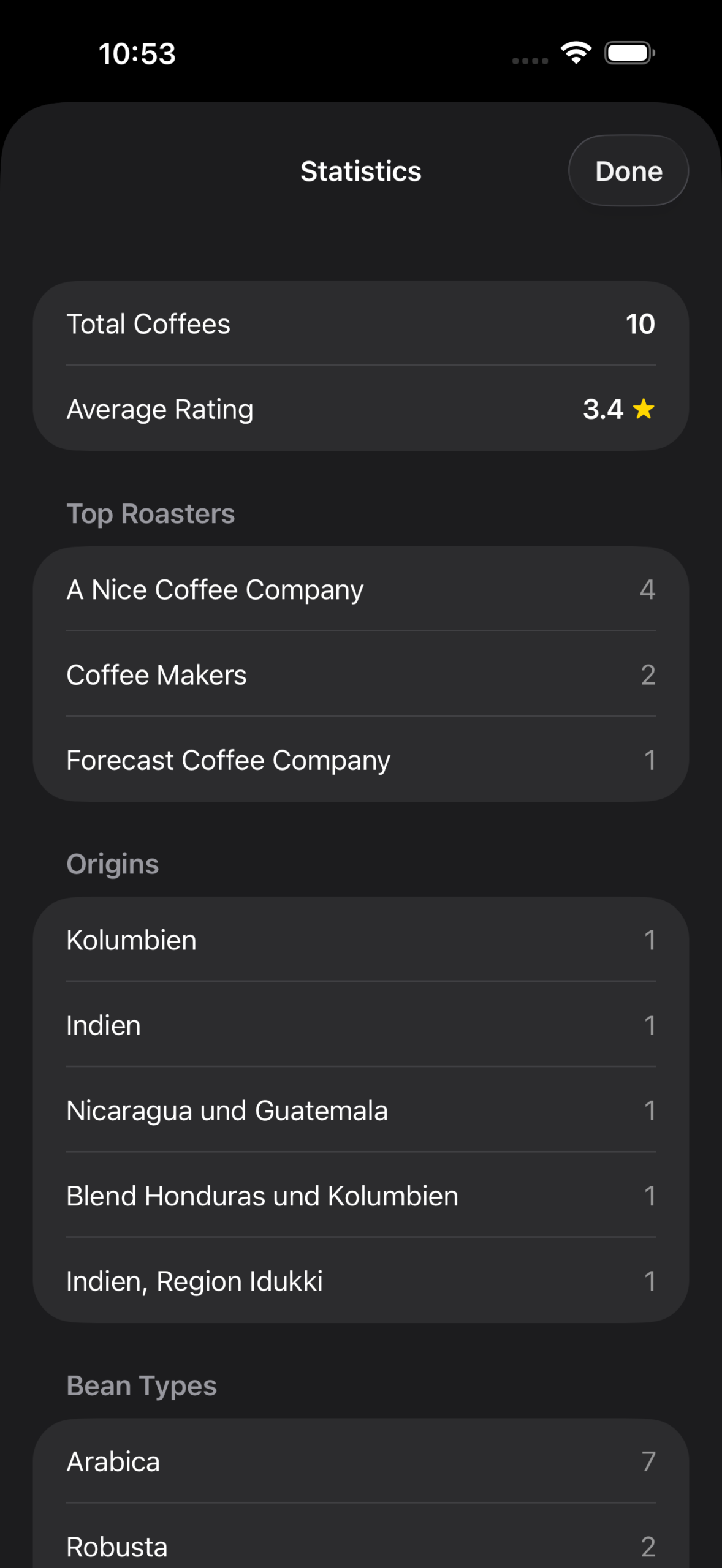
Statistics
You will find the statistics at the top left above the coffee list.
Just tap on it and discover it for yourself.
⸻
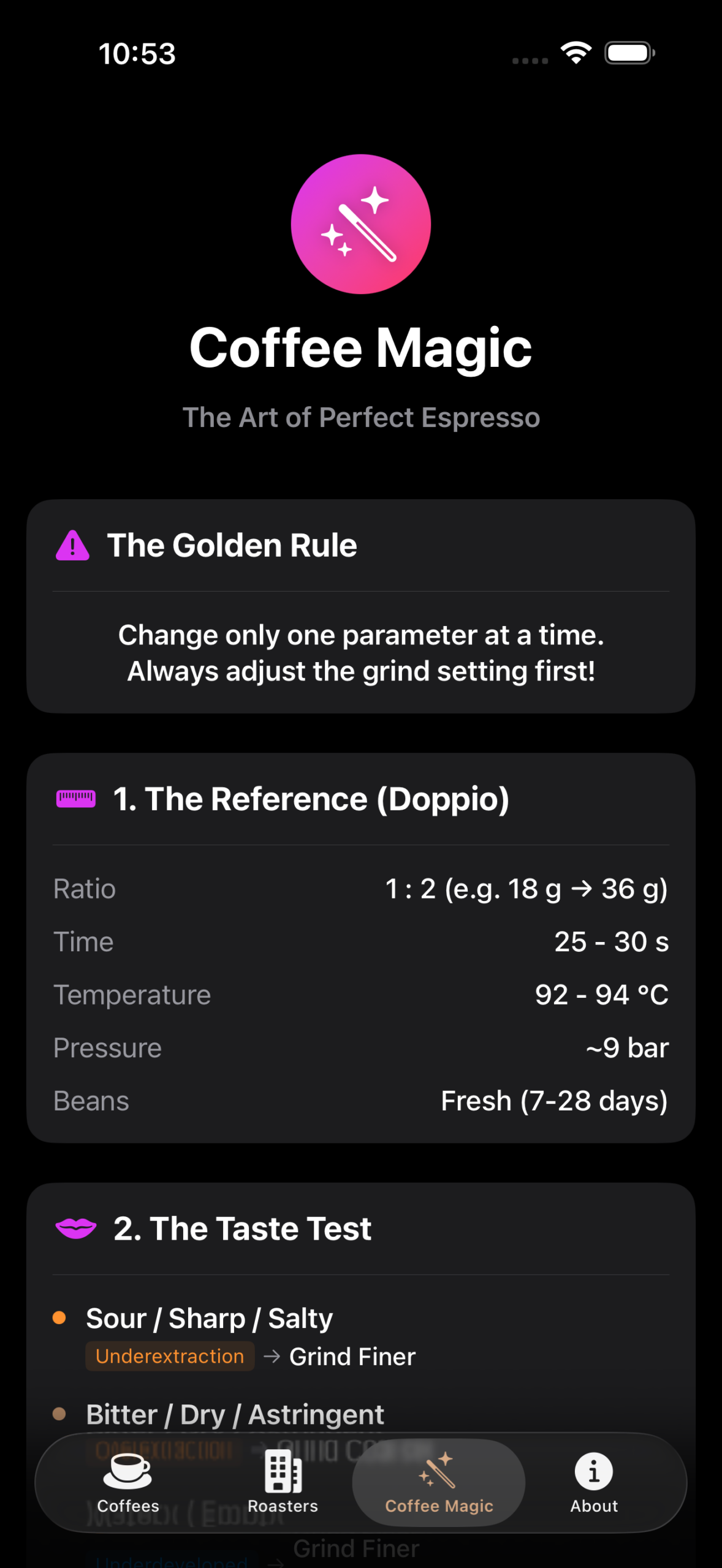
Magic wand
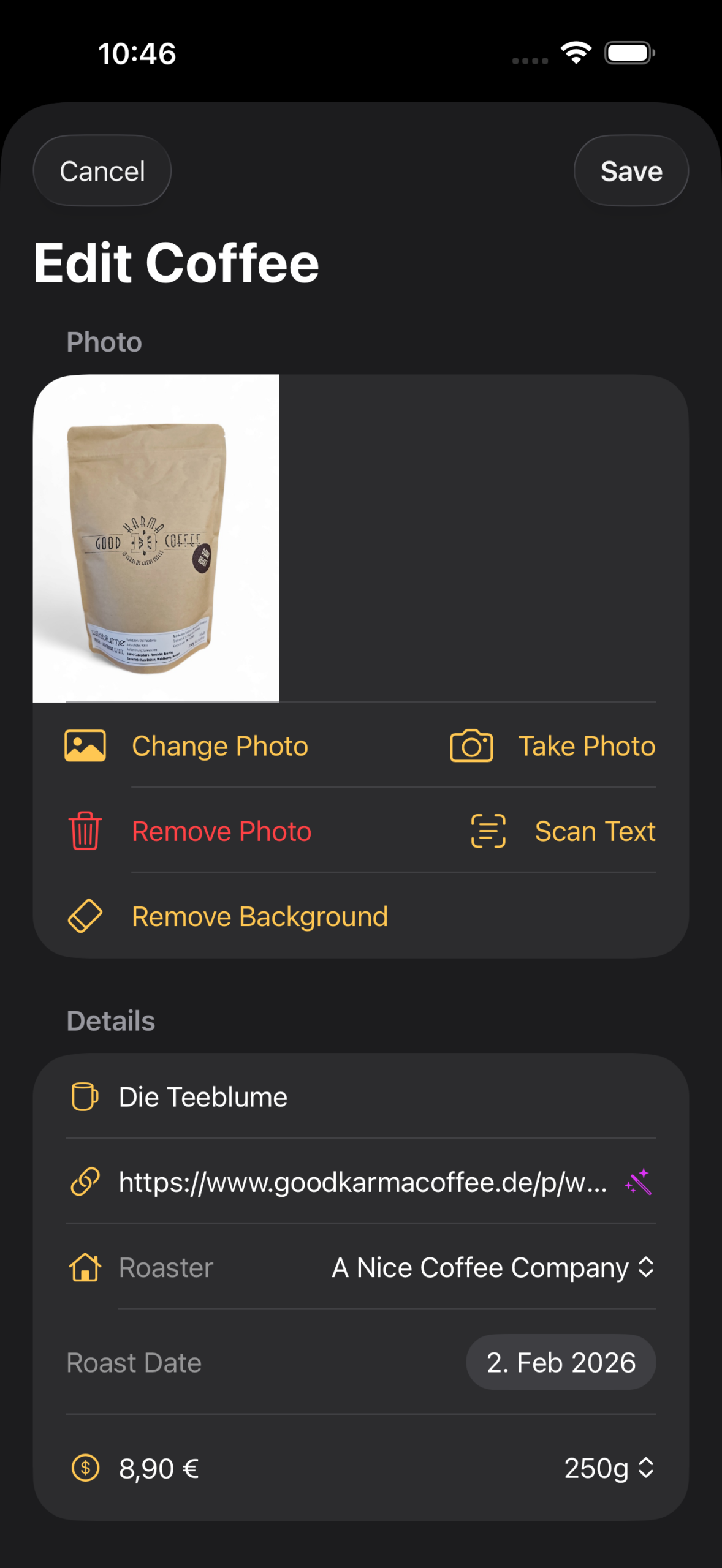
When you create a new coffee and enter a URL for the product page, a small magic wand appears.
Tap it, and Beannie will attempt to automatically extract relevant information from the website.
If you have any questions, you can reach me at beannie@medienkonzepte.de.